Get the SmartStop App

Everything you need at your fingertips.

Download the app Scan to Download

SmartStop Storage App

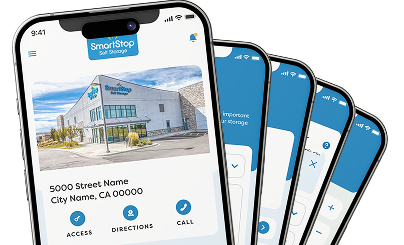
The SmartStop Storage App now makes your self-storage experience even more seamless and convenient! The SmartStop App allows you to manage your account, easily gain access to gates, doors, elevators, etc., make payments on your storage unit and even rent additional storage space as you need it. Our mobile app is yet another example of why SmartStop is The Smarter Way to Store®.
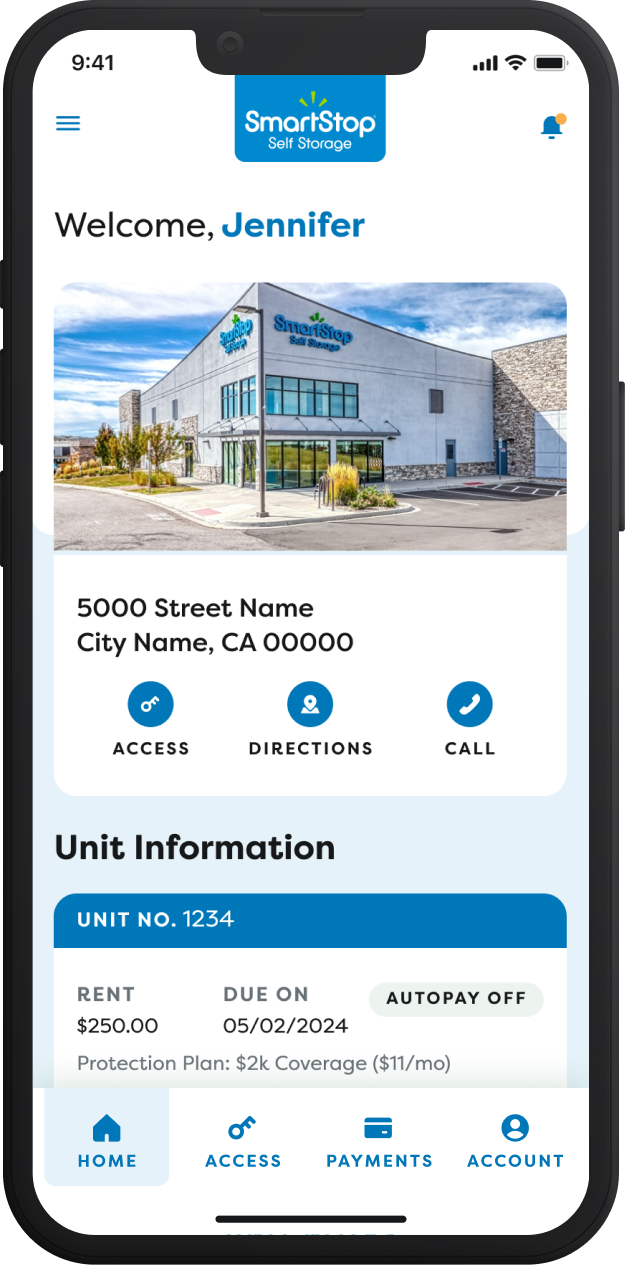
User Dashboard

Your one-stop shop for all your SmartStop Self Storage needs including all your facility and unit information.
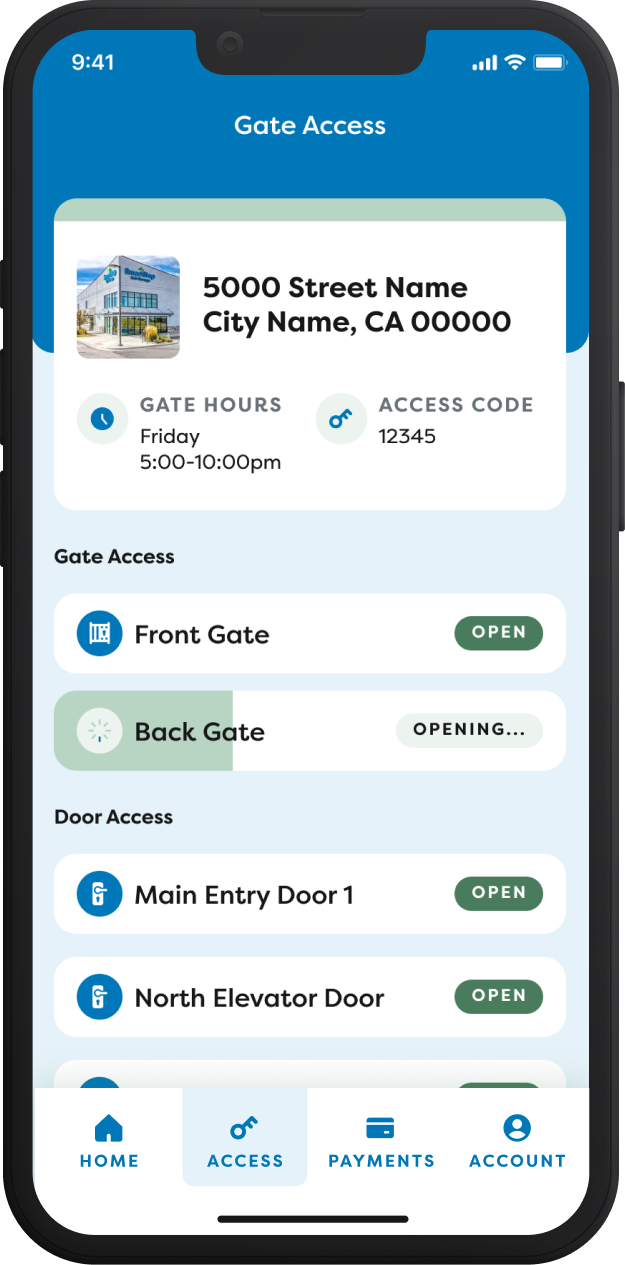
One-Click Access

Easily unlock gates, doors, elevators, etc during access hours.
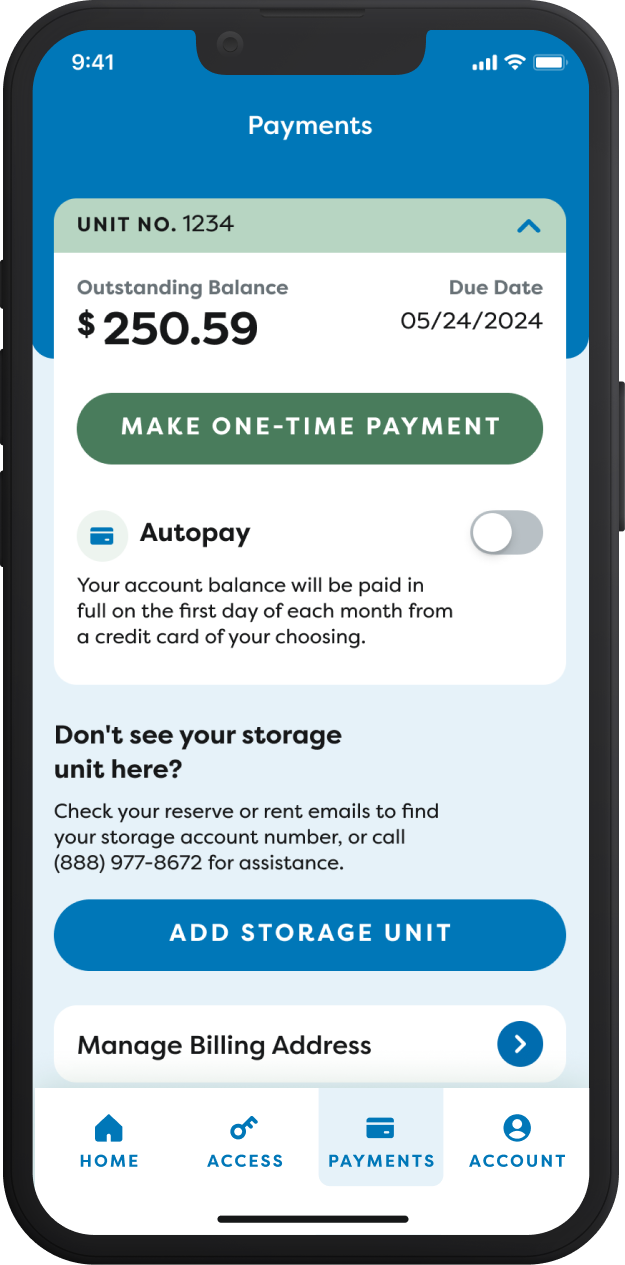
Easy and Secure Payments

Effortless payment management right at your fingertips.
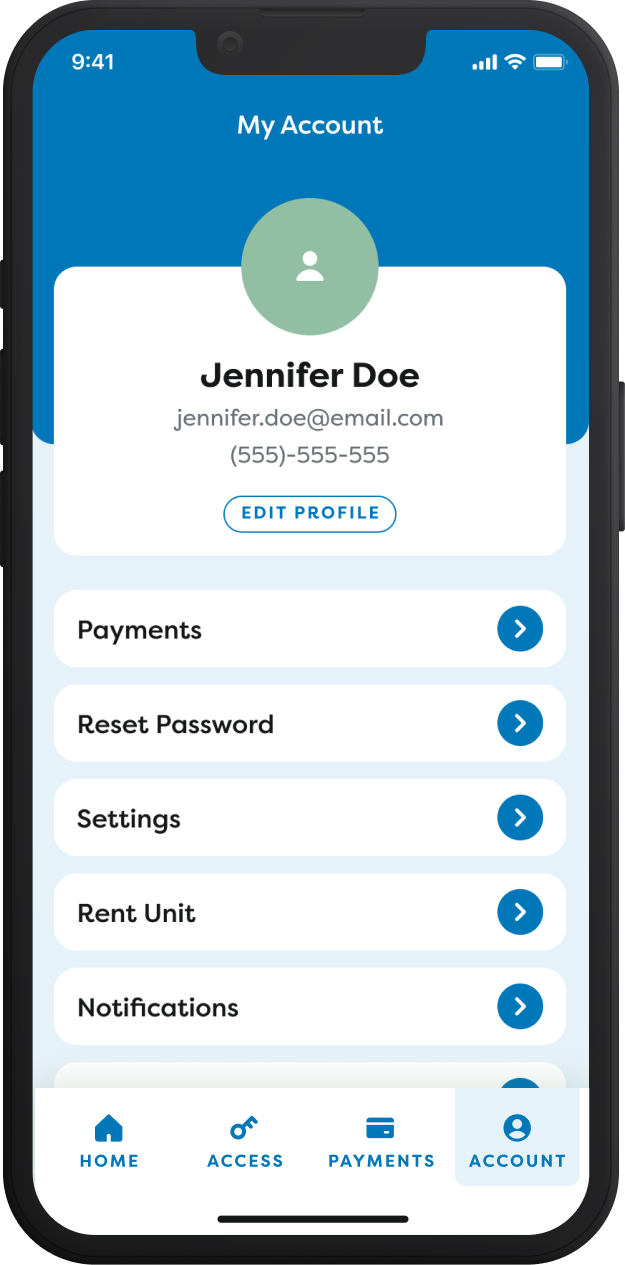
Account Management

Your central hub for all things account related.
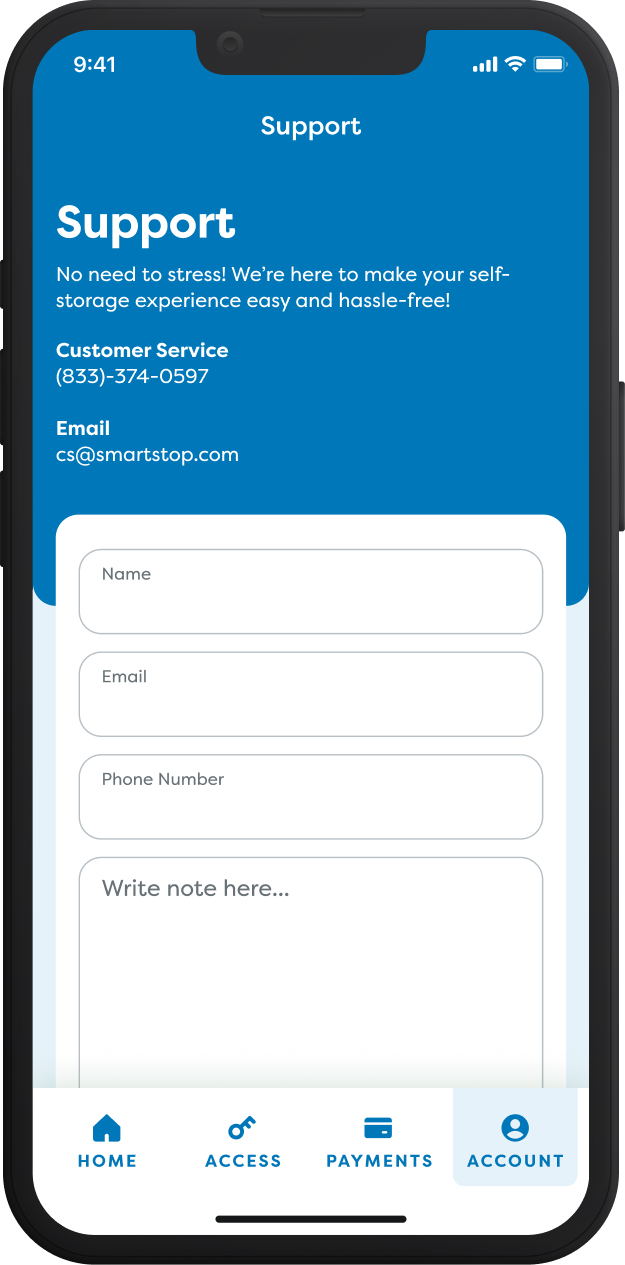
Support

Need assistance? We are here to help when you need us.

Frequently Asked Questions


How do I access the property gate with the SmartStop Mobile App?

You can access the gate to the property with one-click in the "Access" section of the mobile app. Press "Access" from the user dashboard of your SmartStop Mobile App and then select the access area you wish to open. It is that simple!

Can I make payments directly from the SmartStop Mobile App?

Yes! Select "Payments" from the bottom menu of the user dashboard or the menu screen. Select the unit you wish to make a payment for, enter your details and submit your payment. You can also sign up for SmartPay directly from the SmartStop Mobile App to enable automatic payments for your convenience.

Can I add all my rented storage units to a single account on the SmartStop Mobile App?

Yes! You will find a "Don't see your unit? Link Your Storage Unit" link on the user dashboard of the mobile app. Click the link, fill in the details and click "Add Storage Unit". This will add the unit to the existing account. You can do this for all your units; even if they are at different locations.

How do I get support for the SmartStop Mobile App? 

Send an email to [email protected] or call us at (833) 374-0597 for assistance with the mobile app.

Customer Service Hours:

Monday - Sunday  5:00AM - 10PM PST

Is my gate access code shown on the SmartStop Mobile App?

Yes it is! Scroll down on the user dashboard of the SmartStop Mobile App and you will see a section that says "Gate Access". Your access code will be listed there for your convenience if you need it. 

Can I view my payment history on the SmartStop Mobile App?

Yes! Click on "Account" at the bottom of the user dashboard. You will see an option for "Payment History". Open this to see your payment history for the past 12 months. You can email a payment receipt to your account email on file. 

Get the App!

Everything You Need at Your Fingertips

SmartStop Mobile App
Convenience

Access gates & doors

Control

Store your way, always

Efficiency

Manage your accounts

Live Chat